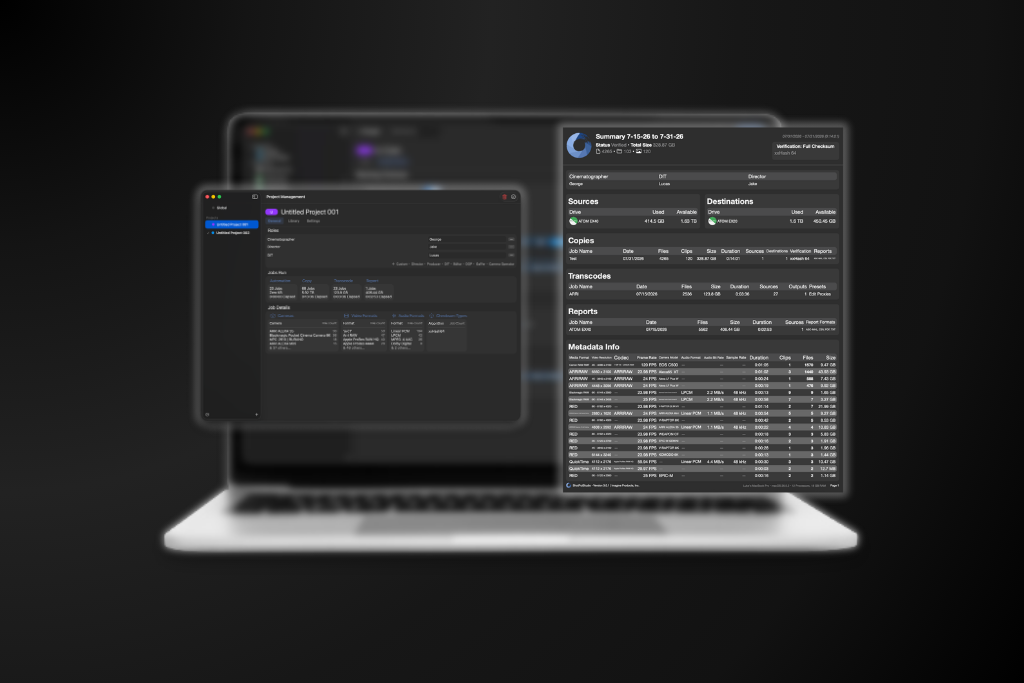
As workflows evolve, so do the number of copy presets, transcode settings, automation pipelines, reports, and connected storage locations you rely on every day. While these tools make your workflow more efficient, managing everything from a single workspace can become difficult when switching between productions. With ShotPut Studio 3.1.1, we’re introducing Projects, a new way to organize your workflow by keeping everything related to a production together in its own dedicated workspace.
A Workspace for Each Production
Projects allow you to create independent workspaces inside ShotPut Studio, each containing its own presets, automation pipelines, presets, connected media, application settings, and job history. Instead of constantly cleaning up old presets or searching through workflows from previous shoots, simply create a new project for each production. When you switch projects, ShotPut Studio instantly changes to that production’s workspace, making it easy to keep everything separated.
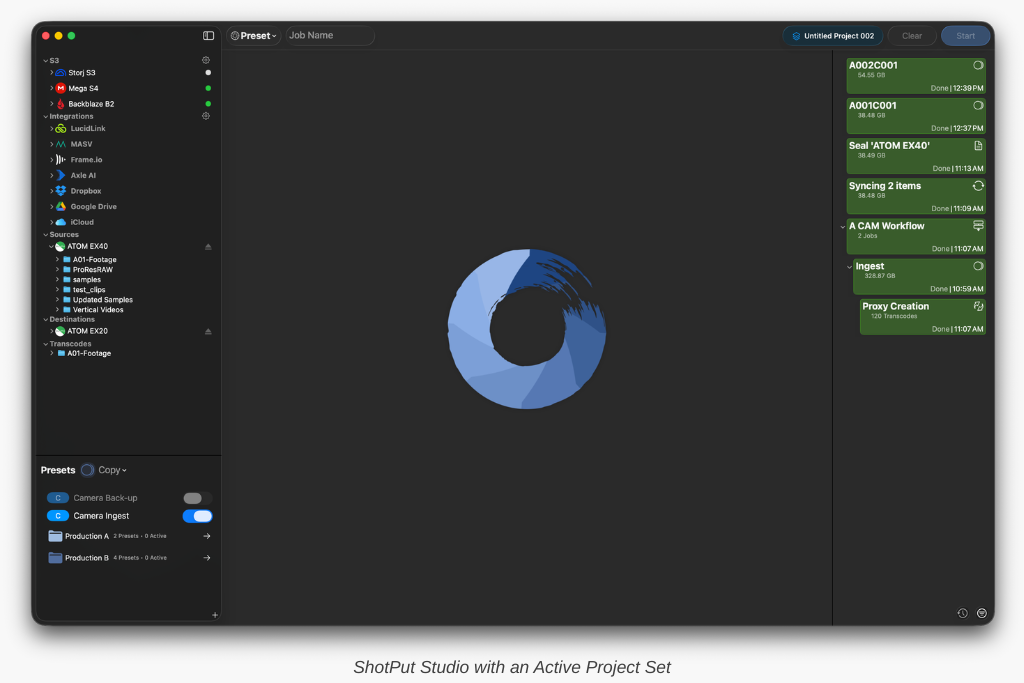
Every new Project starts as a blank slate. You can create copy presets, transcode workflows, reports, and automation pipelines that are unique to a specific production without affecting any other projects. Job history is also stored independently, making it easy to review only the jobs associated with that shoot. This separation helps reduce clutter while lowering the chance of accidentally selecting an outdated preset or workflow from another production.
Production Insights at a Glance
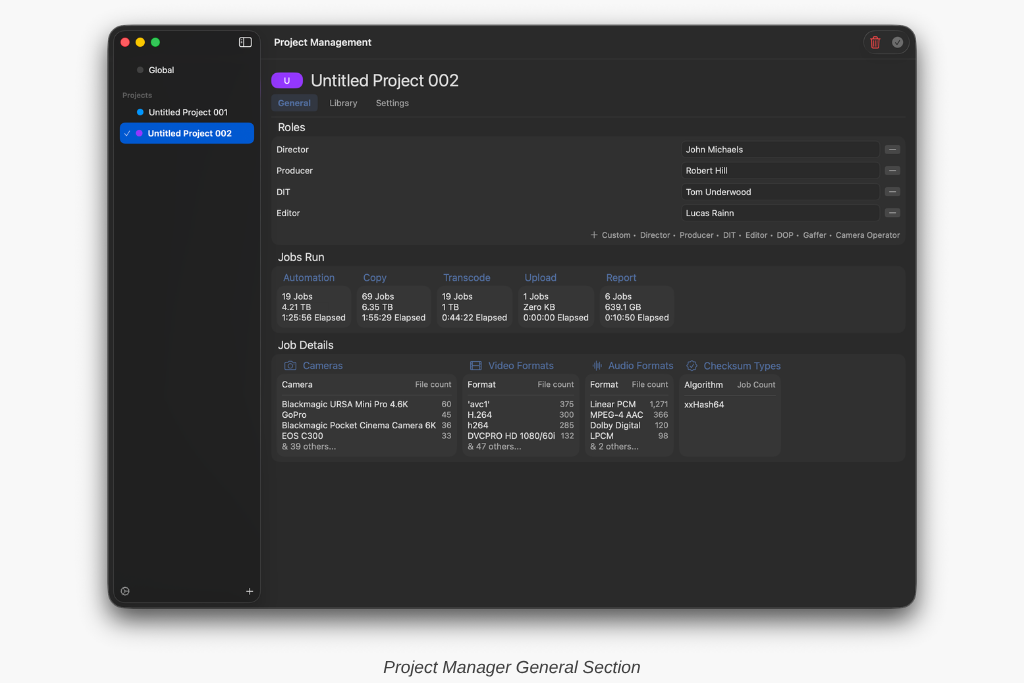
Beyond organization, Projects also provide a high-level overview of each production. Project statistics include the number of automation, copy, transcode, and report jobs completed, total data processed, and total processing time. Metadata summaries also provide insight into the cameras, video formats, audio formats, and checksum types used throughout the project.
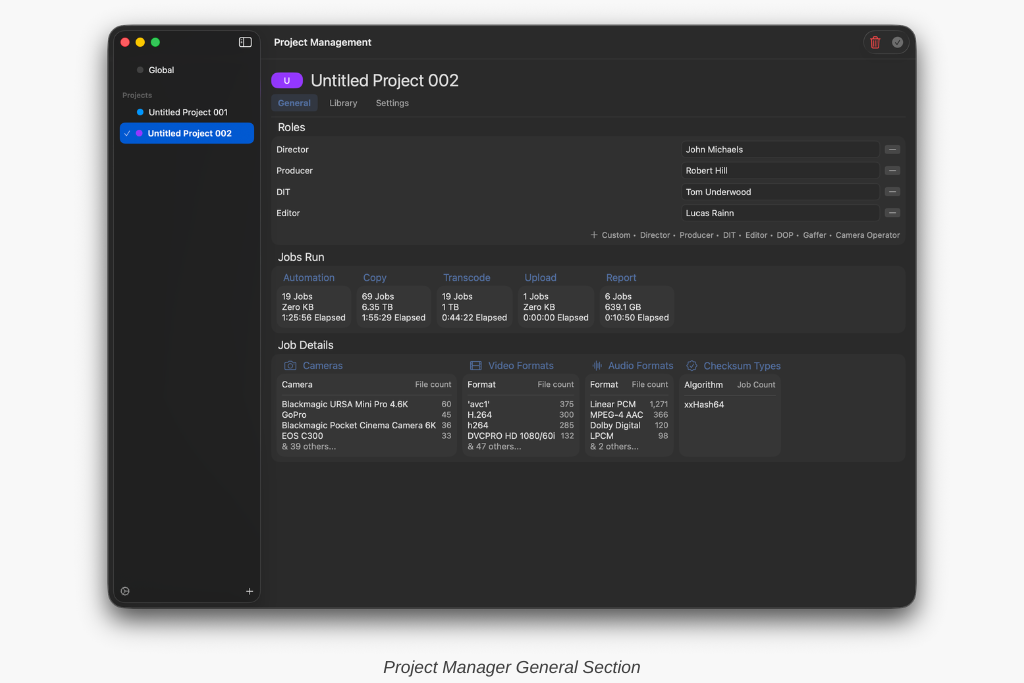
You can also click any of the job details headers, such as Cameras or Video Formats, to drill down into each of the entries. You can then view and search, analyzing thumbnails and metadata for each.
Organize Connected Storage
Projects also introduce a more organized way to manage storage. Each project includes its own connected media organization, allowing you to create custom sections for sources, destinations, archives, or any organization method that fits your workflow. Frequently used drives and folders can be grouped together so they’re always easy to find, even across large productions with numerous storage devices. And if a drive isn’t currently connected, mount points can be added ahead of time, automatically appearing when the storage becomes available.
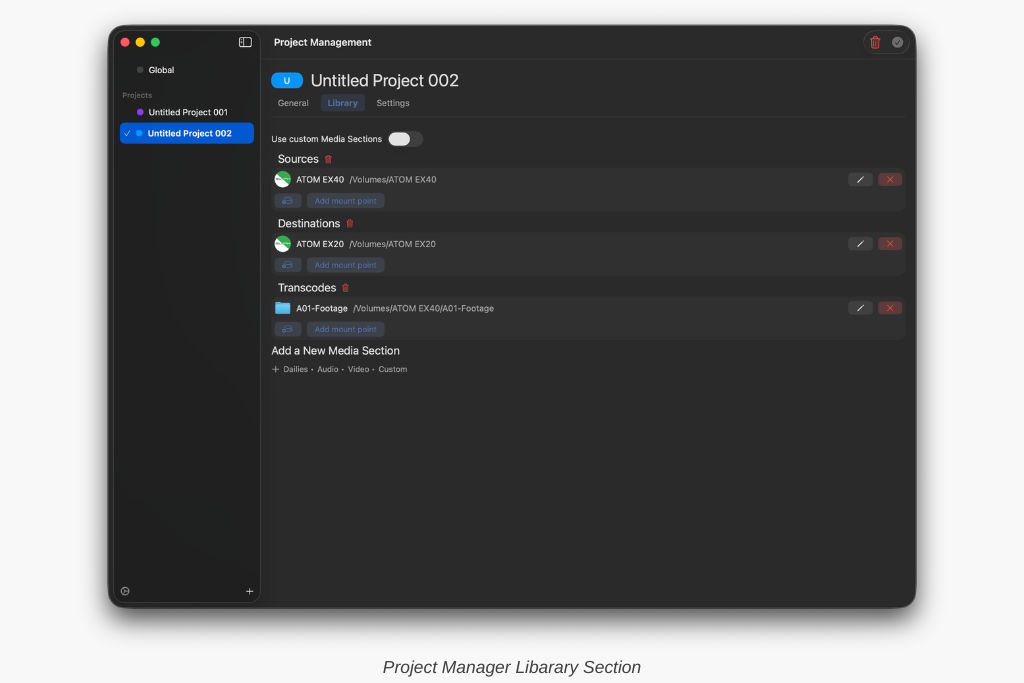
Share Global Workflows When It Makes Sense
For teams that rely on standardized workflows, Projects can optionally link to your Global Presets. When enabled, your existing presets and automation pipelines remain available across multiple projects, and any updates made to those shared presets automatically stay synchronized.
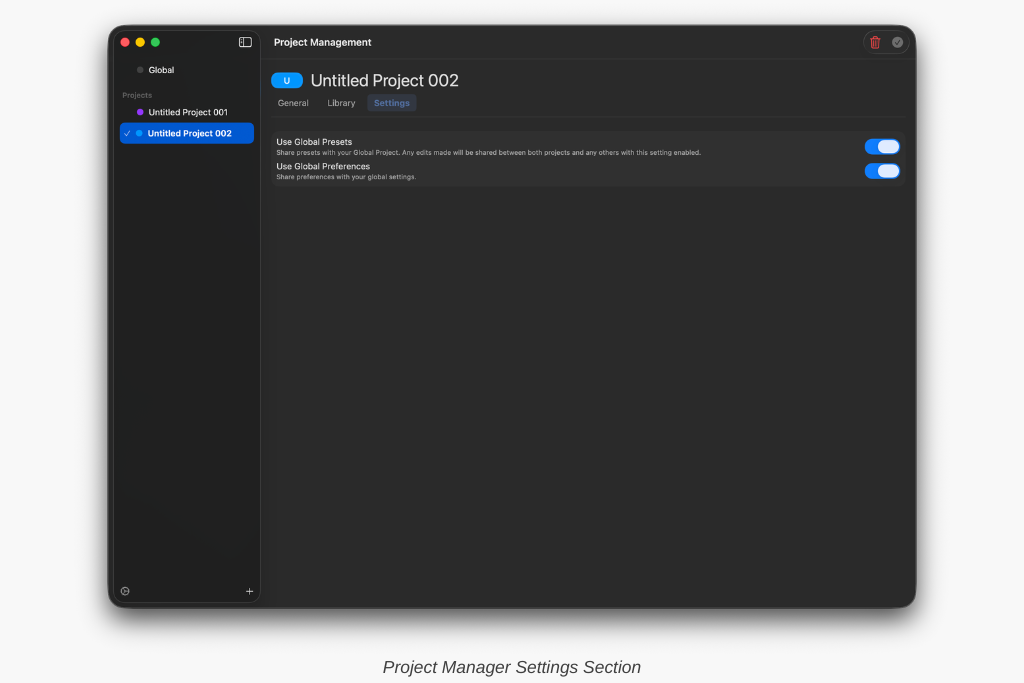
The same flexibility applies to application preferences. By default, projects use your Global Preferences, allowing settings to remain consistent no matter which production you’re working on. If needed, projects can also maintain their own independent settings.
Generate Reports for an Entire Production
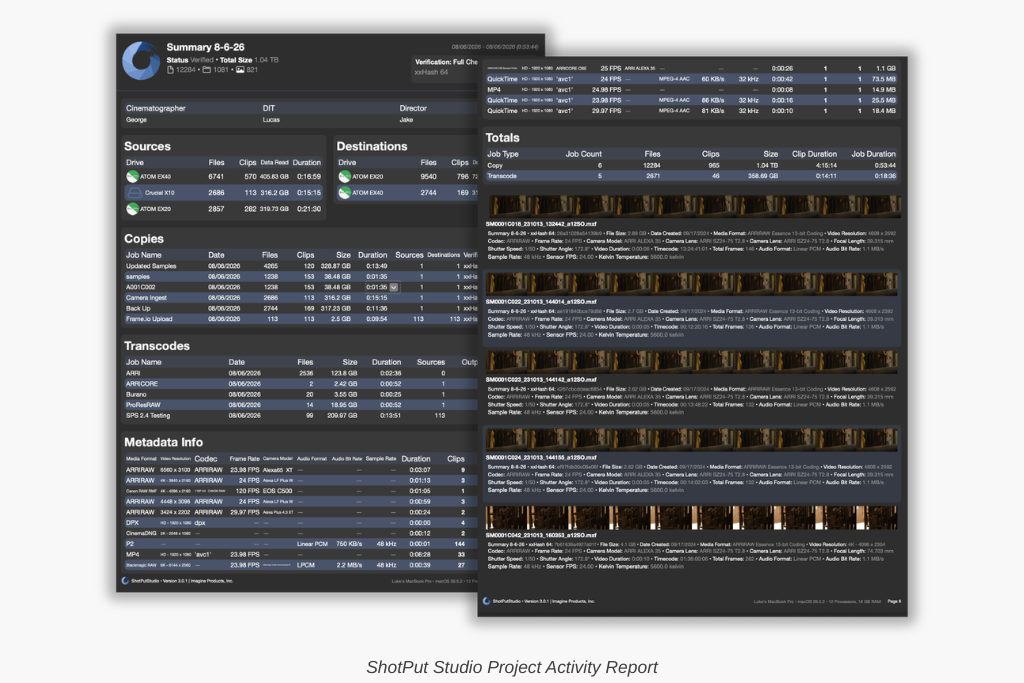
In addition to individual job reports, Projects make it easy to generate a comprehensive report covering an entire production. These reports can be customized to include any date range within the project, making them useful for documenting a single shooting day, a week of production, or the complete project. You can also choose which information to include based on the level of detail you need.
Many of these sections are those found in single job reports, however, Project Activity is a new section that provides an overview of every job run during the selected period. This includes source and destination locations, metadata, and totals for files, clips, storage processed, clip duration, and overall job time.
Existing Users Can Start Immediately
If you’re upgrading to ShotPut Studio 3.1.1, there’s nothing you need to migrate. Your existing presets, settings, automation pipelines, and job history will automatically become part of your Global Project, preserving your current workflow exactly as it exists today. From there, you can continue working as you always have or begin creating dedicated Projects for new productions.
Ready to give it a try? If your ShotPut license is active and under maintenance, the update is already waiting for you. Just open the app and select ‘Check for Updates.’
If your maintenance has expired, updating is easy. Log in to your account, navigate to View Licenses > Update, and choose either a one-time 12-month update plan ($120) or enroll in automatic updates ($99/year) to always stay current.